How to record your first acapella in Bandapella
Turn one voice into a full arrangement. Learn how to start a project, record your lead, layer harmonies, and save or share your first acapella.


In this guide
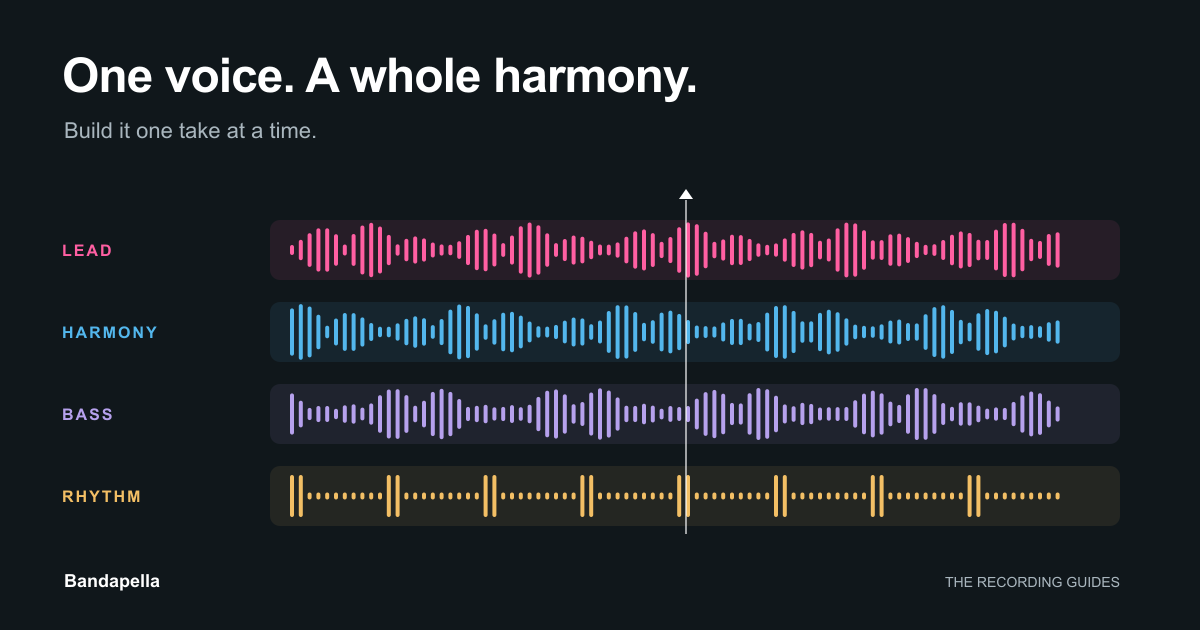
You don't need a room full of singers to make a harmony. Start with one melody, listen back, and add another part. In Bandapella, each take becomes another layer of your arrangement.
This guide walks you through a short acapella, from an empty project to a finished recording. We'll use a video project so you can see each part in its own frame. If you'd rather stay off camera, Create audio lets you work with just your voice.
Before you press record
Pick a chorus or a short phrase you know well. For a first attempt, 15–30 seconds is plenty. A simple arrangement is easier to finish, and you'll hear what each new part adds.
Have these ready:
- Bandapella on your phone. Get the app for iOS or Android.
- Headphones, preferably wired. They keep your previous takes out of the microphone. Bluetooth can introduce delay.
- A quiet spot. Soft furnishings help reduce room echo. Keep your phone in the same position between takes.
- A plan for your parts. Try lead vocal, a harmony, a bass line, and a little vocal percussion. Two parts are enough to begin.
1. Start a new project
Open the studio in Bandapella and choose Create video. Pick a layout with a frame for each part you want to record. A four-frame layout works well for our lead, harmony, bass, and rhythm idea.
Choose 1:1 Square for a square video or 9:16 Vertical for a portrait video. If the app asks for a maximum recording length, choose enough time for your phrase. Layouts and recording lengths marked Premium require that plan.
For an audio-only version, choose Create audio instead. You can still layer vocal parts without choosing a video layout.
2. Record a clear first part
In your video project, tap + in an empty frame and choose Camera. Allow microphone and camera access when your phone asks. Frame yourself, take a breath, and use the record control to begin. For an audio-only project, use Record.
Sing the melody or the part that makes the timing easiest to follow. Keep it steady, leave a little room before your first note, and finish the phrase before stopping. A metronome can help if you're finding it hard to hold the tempo.
When Recording finished appears, choose Keep if you're happy with the take or Discard to try again. Listen to the whole take before adding another voice. A solid first part makes every later part easier.
3. Add the harmony, one take at a time
Put on your headphones, return to the start of the phrase, and choose another empty frame. Record your next part while listening to the take you've already kept. For an audio project, start another recording to add your next take.
Try building the arrangement in this order:
- Lead: the melody people will recognize.
- Harmony: a second line that supports the melody. If you're unsure, start with a simple held note that fits.
- Bass: a low vocal line that gives the phrase a foundation.
- Rhythm: a few beatbox sounds, clicks, or soft syllables to carry the pulse.
You don't have to fill every frame. Listen after each addition and keep only the parts that help the song. Matching the ends of words and the length of your notes often makes a bigger difference than adding another layer.
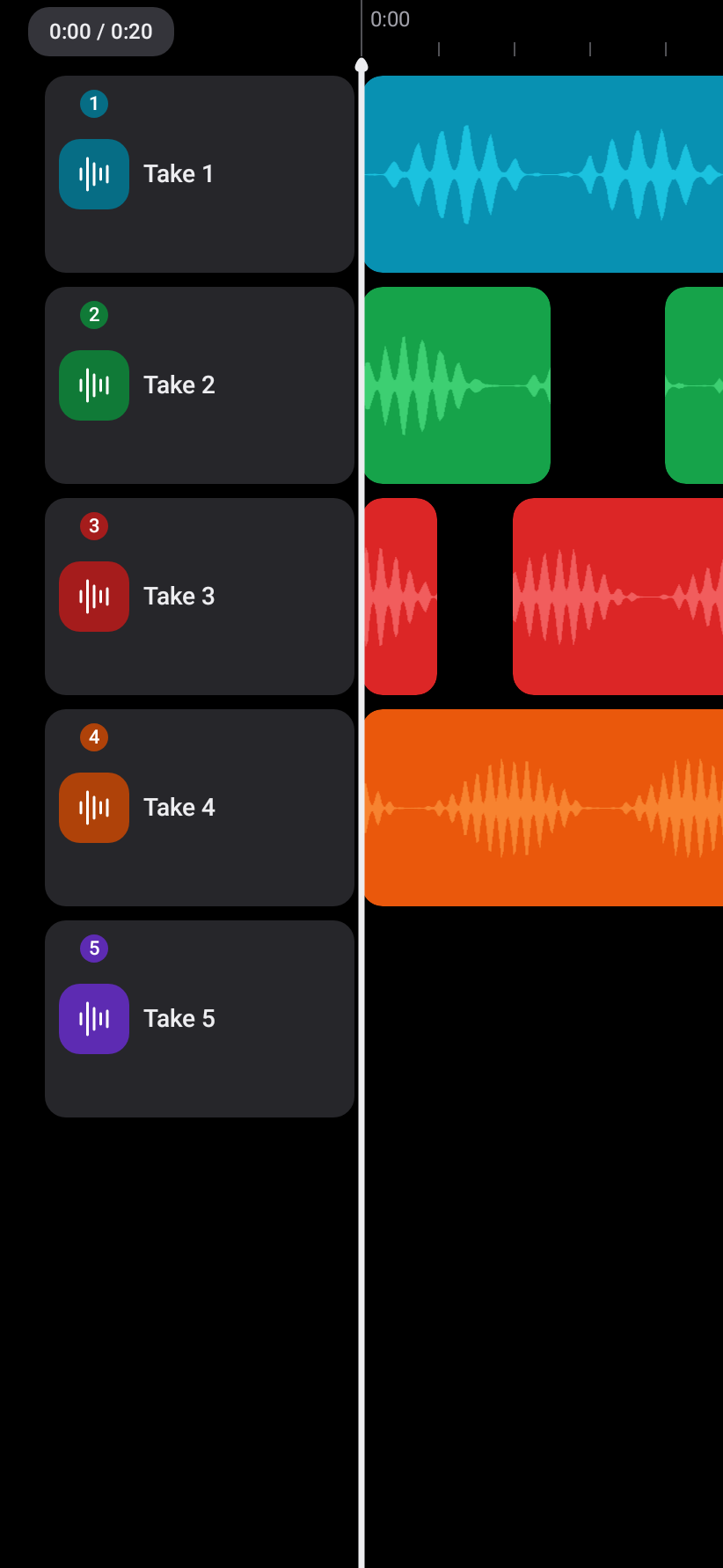
4. Listen, balance, and tidy up
Play all the takes together. Can you still hear the words of the lead? Does one harmony jump out? Lower the louder parts before trying to make everything louder.
Use the waveform tools to adjust timing or trim unwanted sound where needed. If a part is noticeably late, listen carefully as you adjust it against the first take. If the performance itself feels rushed, another take may work better than a large timing correction.
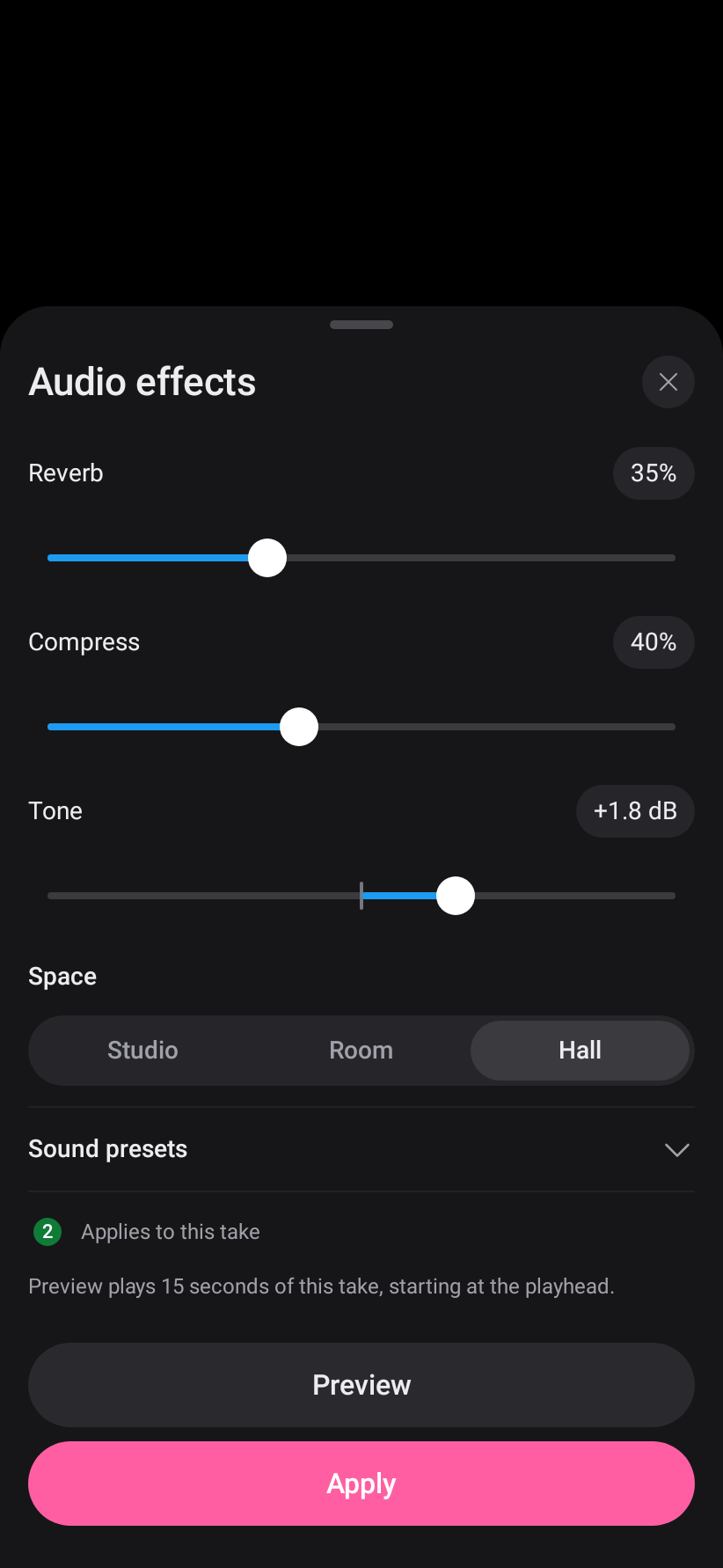
Once the balance feels right, try a little reverb if you'd like more space around your voices. Preview changes before applying them. A light touch keeps the words clear.
5. Finish and share your recording
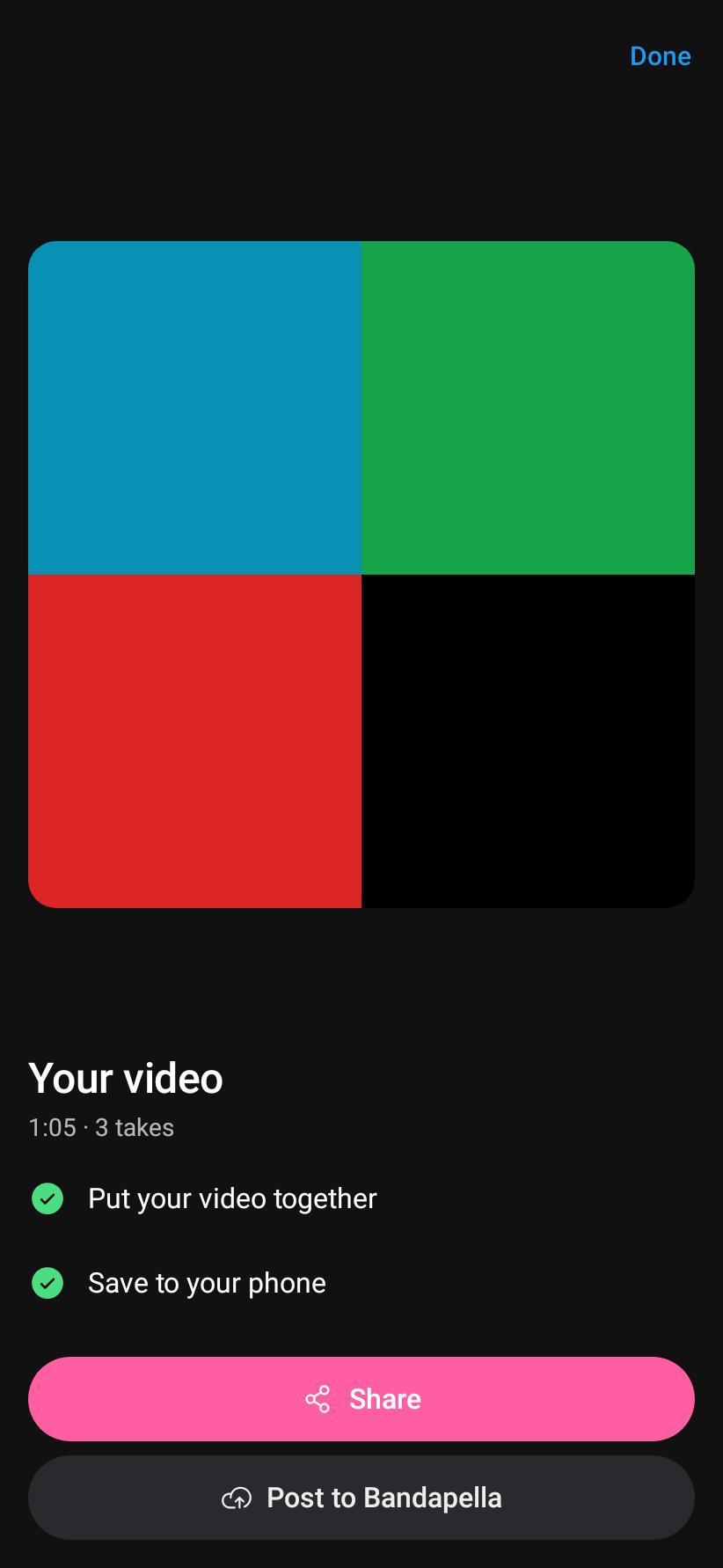
When you're happy with the arrangement, open the studio's upload/download control. Follow the finish flow to put the video together or mix your audio, then save it to your phone or post it to Bandapella. Keep the app open while it finishes.
If you post, add a caption and choose who can see it: Public, Link only, or Private. Public posts appear in Explore and on hashtag pages. Link-only posts are for people with the link, and private posts are only visible to you.
Play the finished version once before sending it to anyone. Check the opening, the ending, and the balance of the whole arrangement. If you want to make another version, keep the project's editing files on your phone.
A few things that help on take two
Hearing an echo? Use headphones and make sure the backing playback isn't coming from your phone's speaker. Room echo can also creep in; try a quieter space with curtains or soft furniture.
Parts drifting out of time? Keep the first take as your timing reference and try the metronome. Wired headphones are a good first step if you're currently using Bluetooth.
The mix sounds crowded? Drop one part out, lower the supporting voices, or simplify the harmony. Each part needs a reason to be there.
Not ready to share? Save the recording to your phone and come back to it later. Making something just for yourself counts, too.
Your first acapella doesn't need to be a full song. One phrase, a clean lead, and a harmony you like are a great start. And when you're ready to add guitar, keys, or another musician, the same multitrack approach carries over: Bandapella is a studio for the whole arrangement.
Make your first harmony.
Start with a melody. See where the next take takes you.
Get Bandapella For iOS and Android